Falcon for Patients
Your scans.
For life.
For free.
Free cloud storage for your scans and your family’s. Keep them together, ready whenever you need them, even when you change devices.

For iPhone only
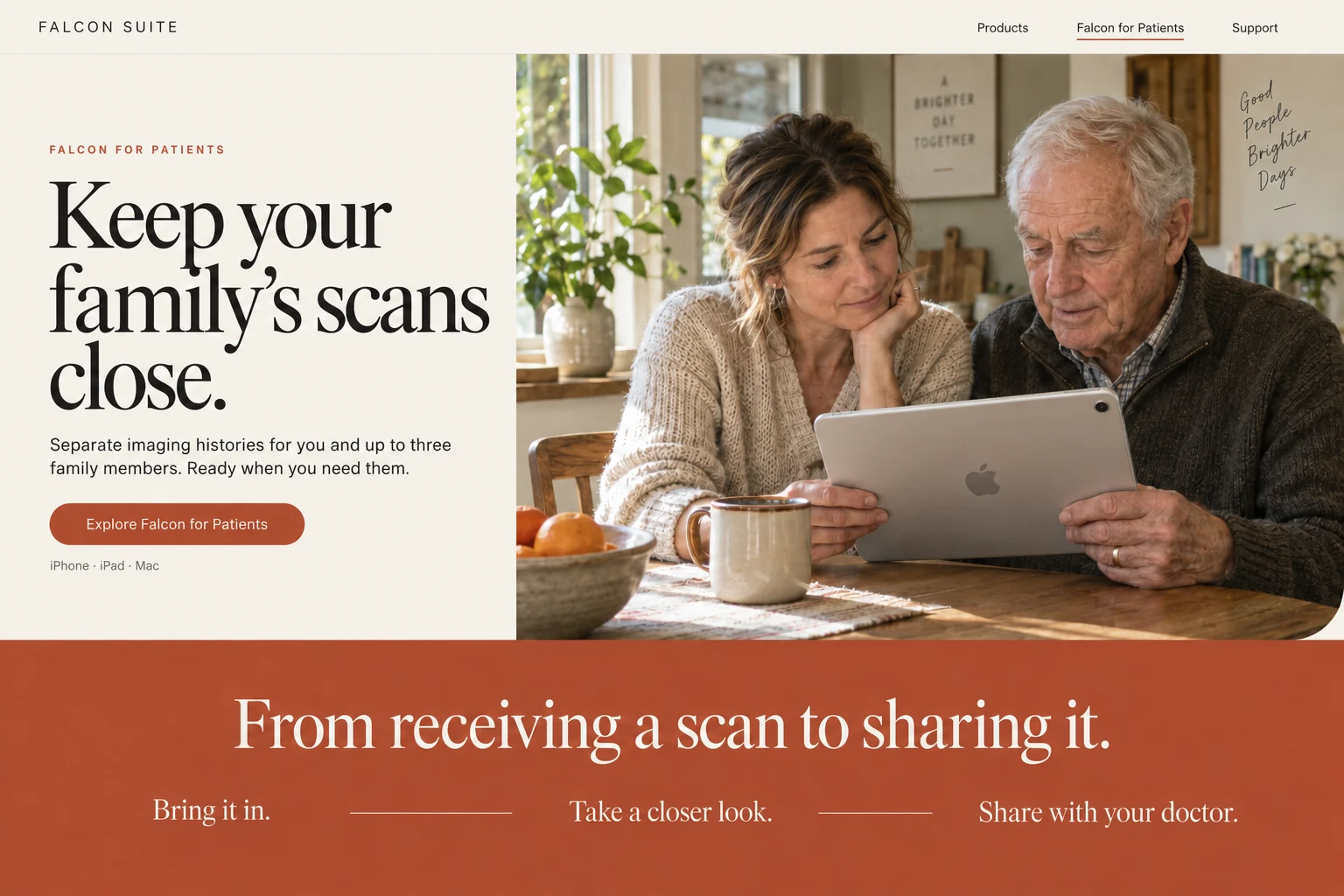
One place for your family’s scans.
Free for life.
Keep a lasting record of your scans with free Falcon Cloud storage. Add more space only if you need it.
Available anytime.
Open your scans on iPhone. Keep downloaded scans available offline.
For you and your family.
Keep separate imaging histories for you and up to three family members, all in one place.
Free cloud storage allowance included. Additional storage and transfer capacity are available.
Start in the app
Your next scan
already has a home.
Create your account in the Falcon for Patients iPhone app. Ask your hospital to send scans straight to it, or sign in to Falcon Link in your browser to upload the copies you already have. Keep them close on your iPhone.
Sign in to your account to upload scans thefalconlink.comGet the iPhone app.
Download Falcon for Patients and create your account in the app to get started with your free cloud storage.
Receive or upload your scans.
Ask your hospital or imaging centre to send your scans straight to your account using Falcon Link. You can also sign in to Falcon Link in your browser to upload files you already have and choose the right family profile.
Keep them with you.
Sign in on your iPhone to access your cloud studies and download the scans you want to keep offline.
For the people you care about
One family.
Individual histories.
Your scans, your parent’s follow-up, your child’s examination. Keep them in separate profiles so every study stays with the right person.
Build an imaging history for yourself and up to three family members, ready for the next appointment.
When you need them most
Ready for your
next appointment.
Bring your imaging history with you. Open an earlier scan, keep a copy on your device, or send a study to the doctor who needs it.
Keep a copy offline.
Download the scans you need before your appointment. Your local copies stay available without an internet connection.
Share the complete study.
Send your doctor access by email, so they can view or download the examination. Manage sharing from your account.
Before you get started
A few things
to know.
Is the storage really free?
A free Falcon Cloud storage allowance is included for life. You can add paid storage or transfer capacity if you need more. Your current allowance is shown in your account.
How do I get my scans into Falcon?
Ask your hospital or imaging centre to use Falcon Link to send a digital copy of your examination straight to your account.
Already have a digital copy? Sign in to your Falcon Account to upload the imaging files, or import them directly in the iPhone app.
Which devices can I use?
Falcon for Patients is available for iPhone only. Accounts can only be created in the app. Once you have an account, you can sign in at thefalconlink.com in your computer’s browser to upload studies.
Can I access my scans without internet?
Yes, once they are downloaded to your device. An internet connection is needed to upload, retrieve cloud-only studies or share them online.
What should I know before enabling Cloud?
Falcon Cloud includes participation in creating anonymised copies of eligible medical data for research, AI development and commercial uses. Review the full Terms and Conditions and Privacy Policy during account setup. You can keep scans locally without enabling Cloud.
Start keeping your scans today.
For you. For your family. For the years ahead.