
A new way to interact with Medical images
Designed for the unique interface of Apple Vision Pro, Falcon Mx offers intuitive controls for navigating, zooming, and rotating images, along with comprehensive ROI tools for detailed analysis.
Falcon Vue pioneered spatial medical imaging workflows and introduced a new way of interacting with DICOM imaging in immersive environments.
Falcon Vue has been renamed to Falcon Mx for Apple Vision Pro, where its vision and technology direction continue.

*Falcon Mx is not a medical device and must not be used for diagnosis
Legacy of Innovation
The first Spatial DICOM Viewer was the first step in bringing medical imaging into spatial computing environments.
It explored immersive workflows, spatial interaction models, and next-generation visualization concepts that helped shape Falcon Mx for Apple Vision Pro.
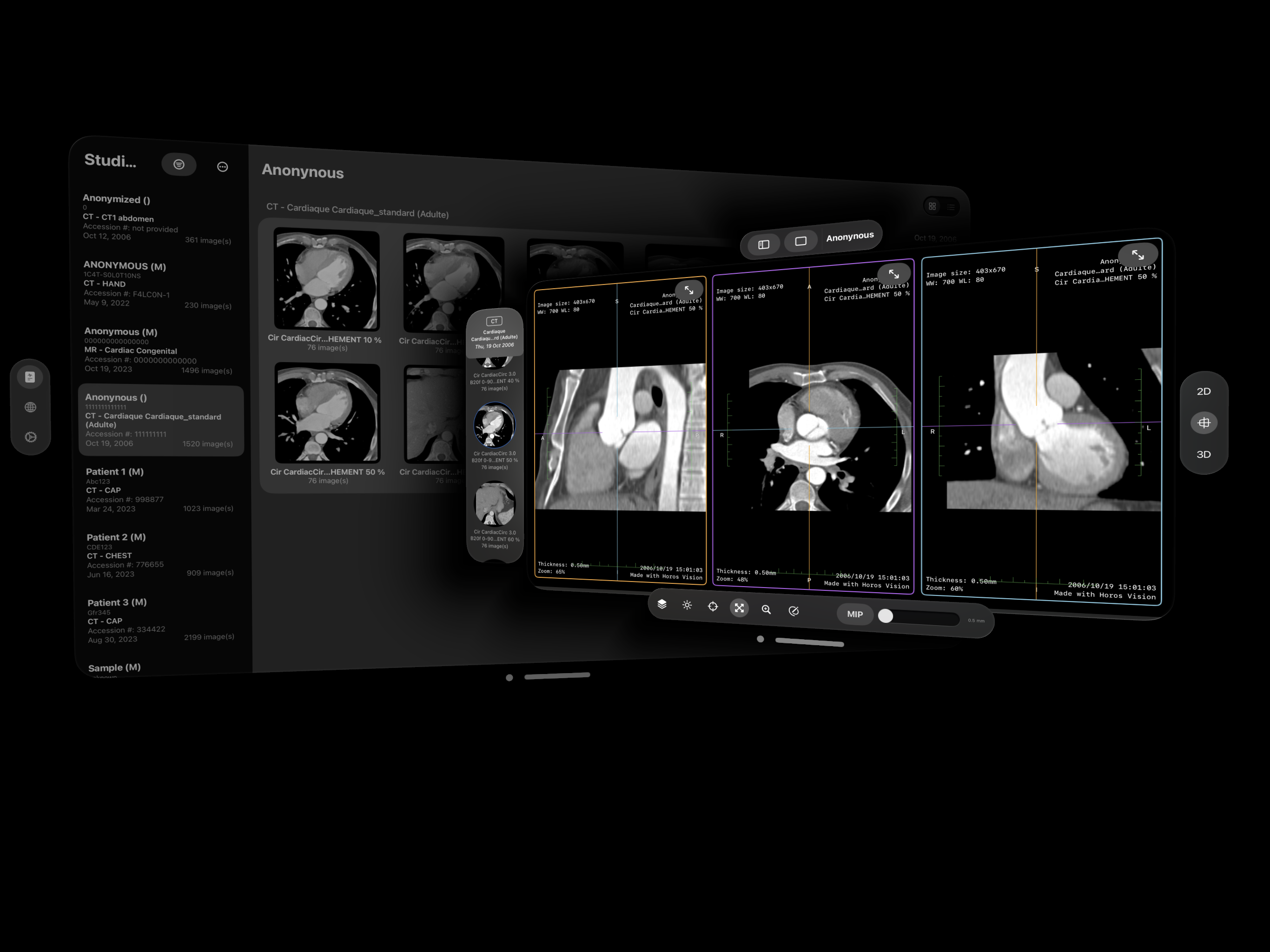
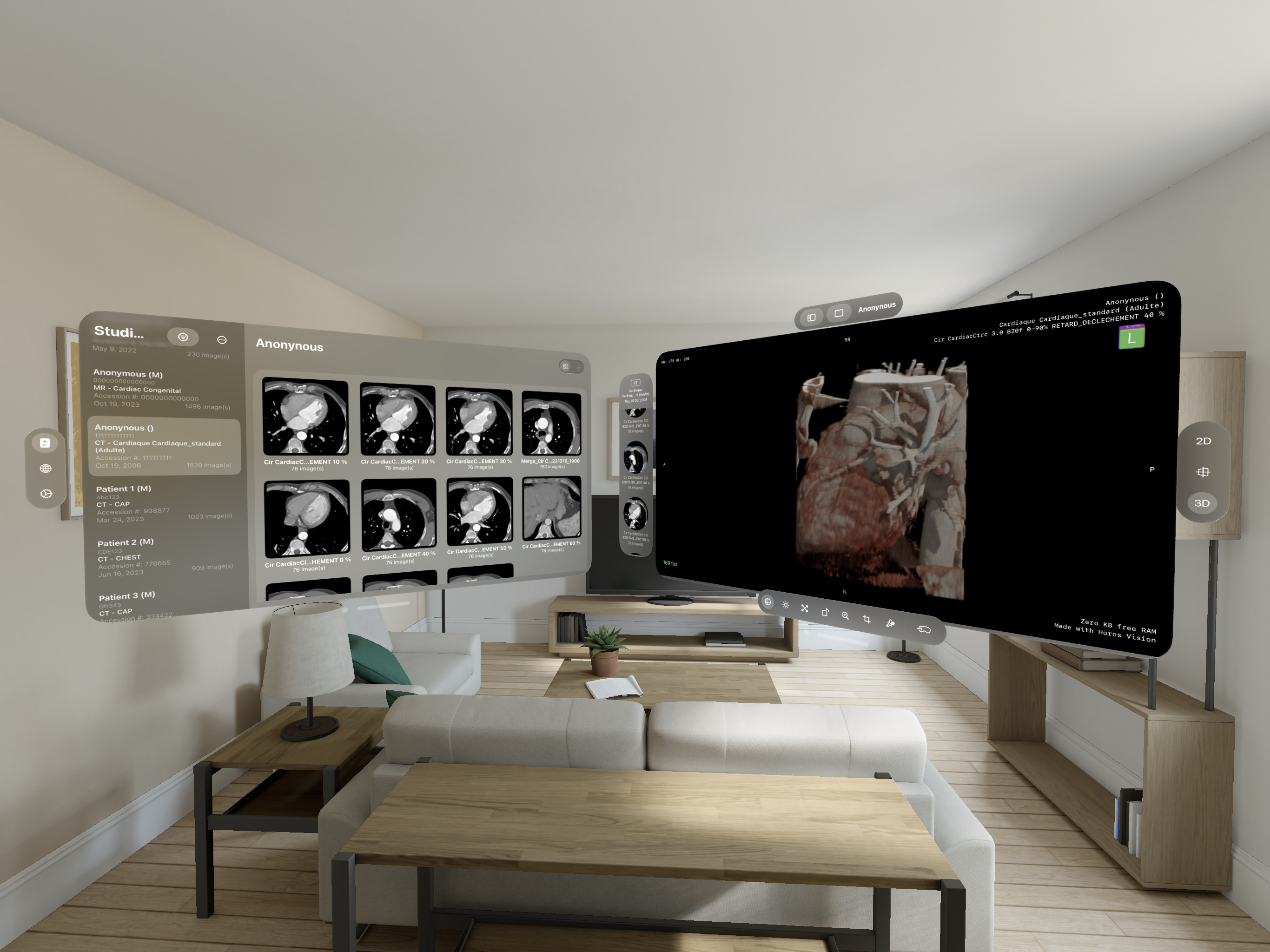
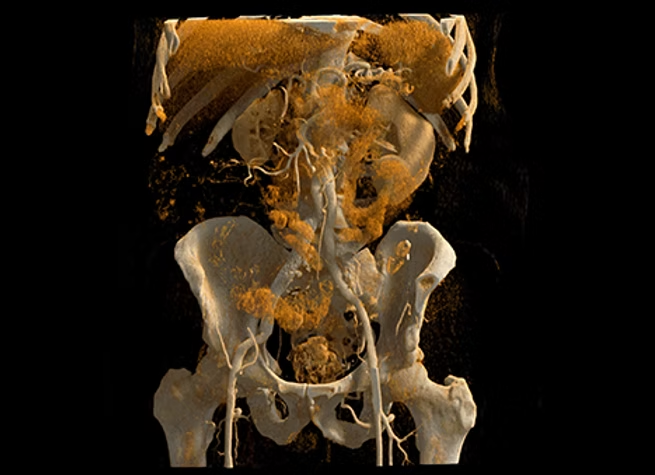
Falcon Mx for Apple Vision Pro is more than a medical imaging tool - it's a new way of seeing. With the immersive capabilities of Apple Vision Pro, Falcon Mx places photorealistic 3D renders in your line of sight, allowing you to view and explore medical images in unparalleled detail and clarity. This isn't just about technology - it's about transforming how you approach clinical workflows with a seamless, intuitive experience.
Built on the same foundation as our FDA-cleared Falcon MD, Falcon Mx for Apple Vision Pro takes the next step forward, delivering a spatial experience that feels natural and innovative, helping you focus on what matters most - your work and your patients.
Designed for the unique interface of Apple Vision Pro, Falcon Mx offers intuitive controls for navigating, zooming, and rotating images, along with comprehensive ROI tools for detailed analysis.
Transform the way you view medical images into an experience. It's a step into the future for those who know the future isn't something you wait for - it's something you build.
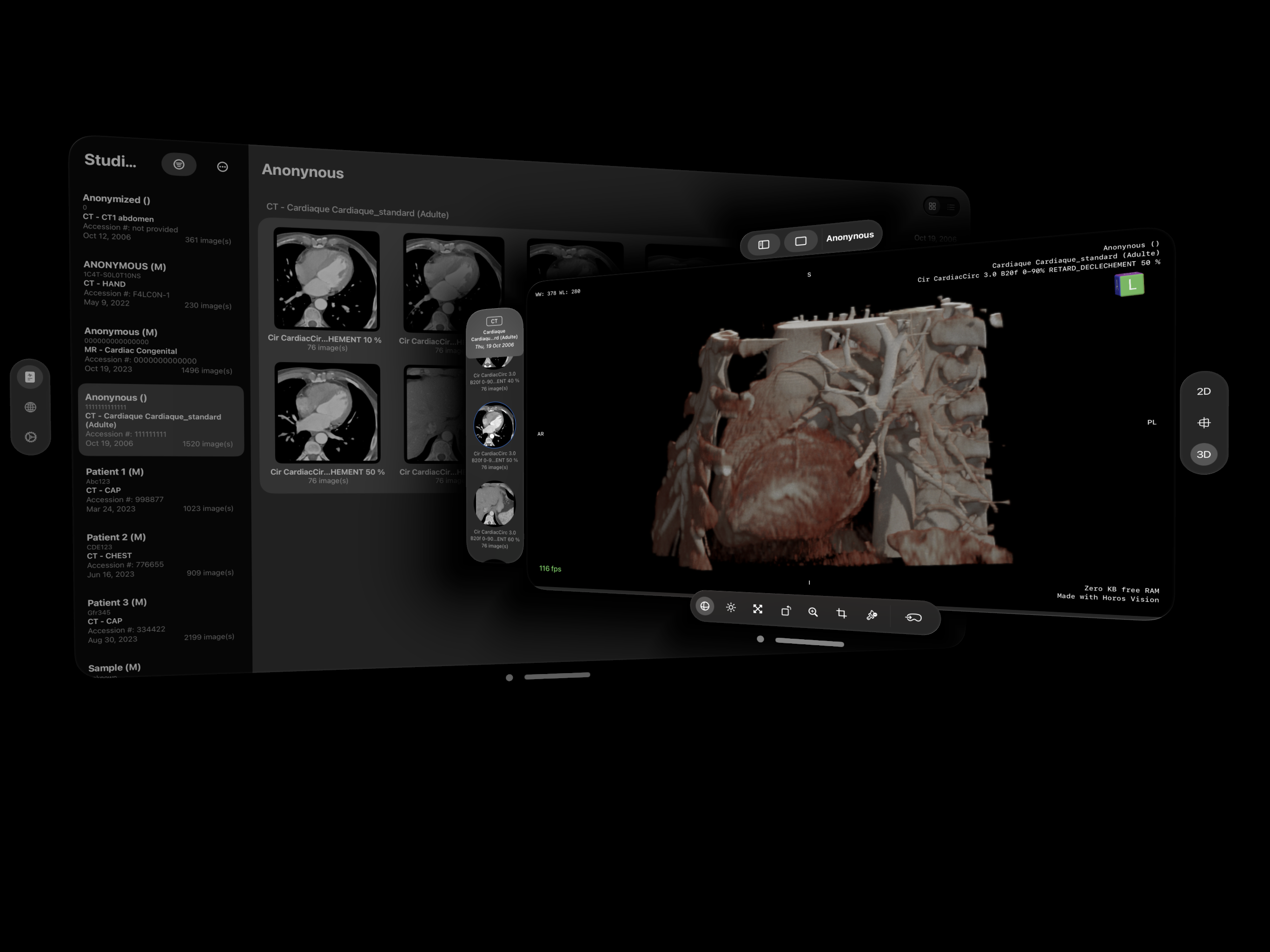
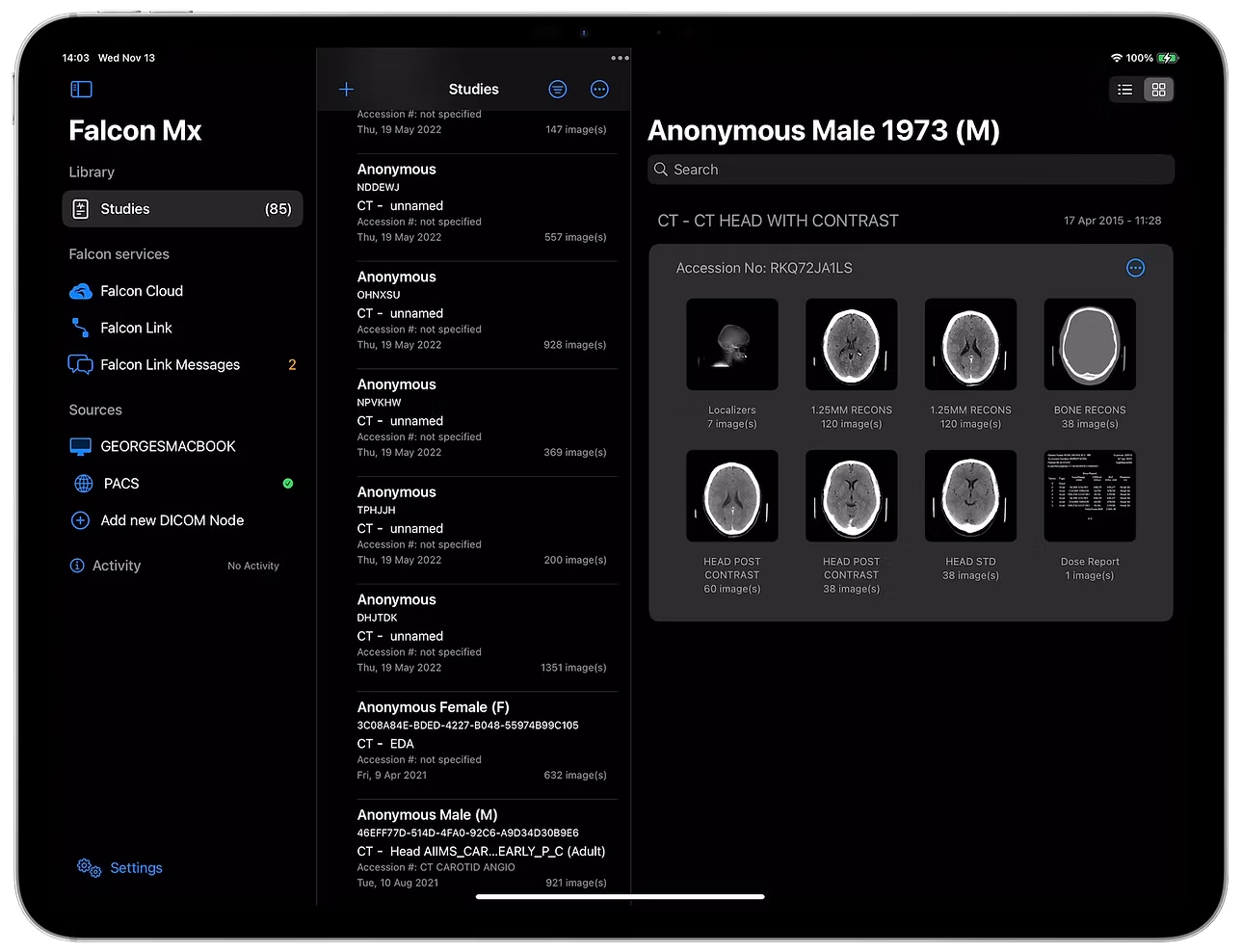
Falcon Mx builds upon those pioneering concepts and expands them into a unified platform designed specifically for Apple Vision Pro and the future of spatial computing.
This transition enables a more advanced, focused, and scalable spatial imaging experience across Apple's ecosystem.
Tech Specs
Falcon Mx for Apple Vision Pro sets a new standard in immersive medical imaging - leveraging cutting-edge spatial computing to deliver intuitive tools for viewing, organizing, and interacting with medical images. With advanced capabilities designed to streamline workflows and enhance precision, Falcon Mx is powered by Apple Vision Pro spatial computing to create an unparalleled user experience. Whether exploring complex datasets or facilitating collaboration, Falcon Mx redefines what's possible in medical imaging.
Equipped with advanced tools for viewing, analyzing, annotating, windowing adjustments, 3D volume rendering, synchronized series navigation, study organization, and seamless PACS integration, Falcon Mx redefines control and functionality, elevating every aspect of your imaging workflow to unparalleled heights.


English, Deutsch, Ελληνικά, Français, Magyar, Polski, Русский, Español, Українська