
Falcon Link Messages
Keep communications focused with event-specific messaging that makes it easier to collaborate around each shared study.
Falcon Link gives you a direct workflow for receiving and reviewing studies. Upload from the browser or from Falcon MD or Falcon Mx, send to a user by email or Falcon Link address, and let the recipient open the study on Mac, iPhone, or iPad.
Messaging, real-time notifications, and automatic cleanup are built into the flow, so teams can send, receive, discuss, and complete a case without extra setup or file-handling overhead.
Use Falcon Link in the browser at www.thefalconlink.com

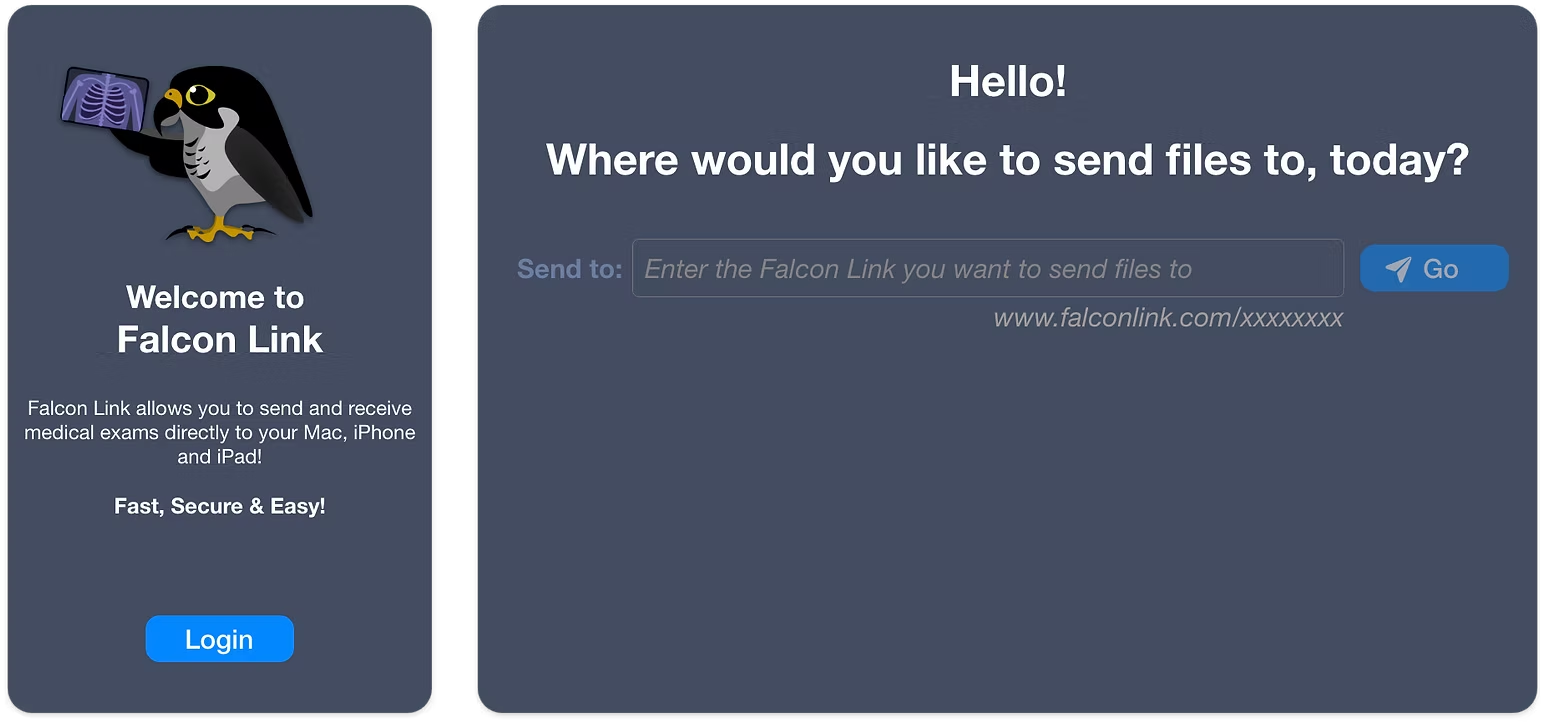
Direct study delivery
Falcon Link keeps medical file sharing simple: upload in seconds, send to a specific recipient, and let the study appear directly in their Falcon Link account.
Recipients are notified immediately, can open the study in Falcon MD or Falcon Mx, and continue the conversation through study-specific messaging without switching tools.
With Falcon Link Messages, collaboration becomes simpler. Exchange messages directly with the people sharing studies, whether they are patients or colleagues, and keep communication connected to the exam itself for smoother, more efficient care.
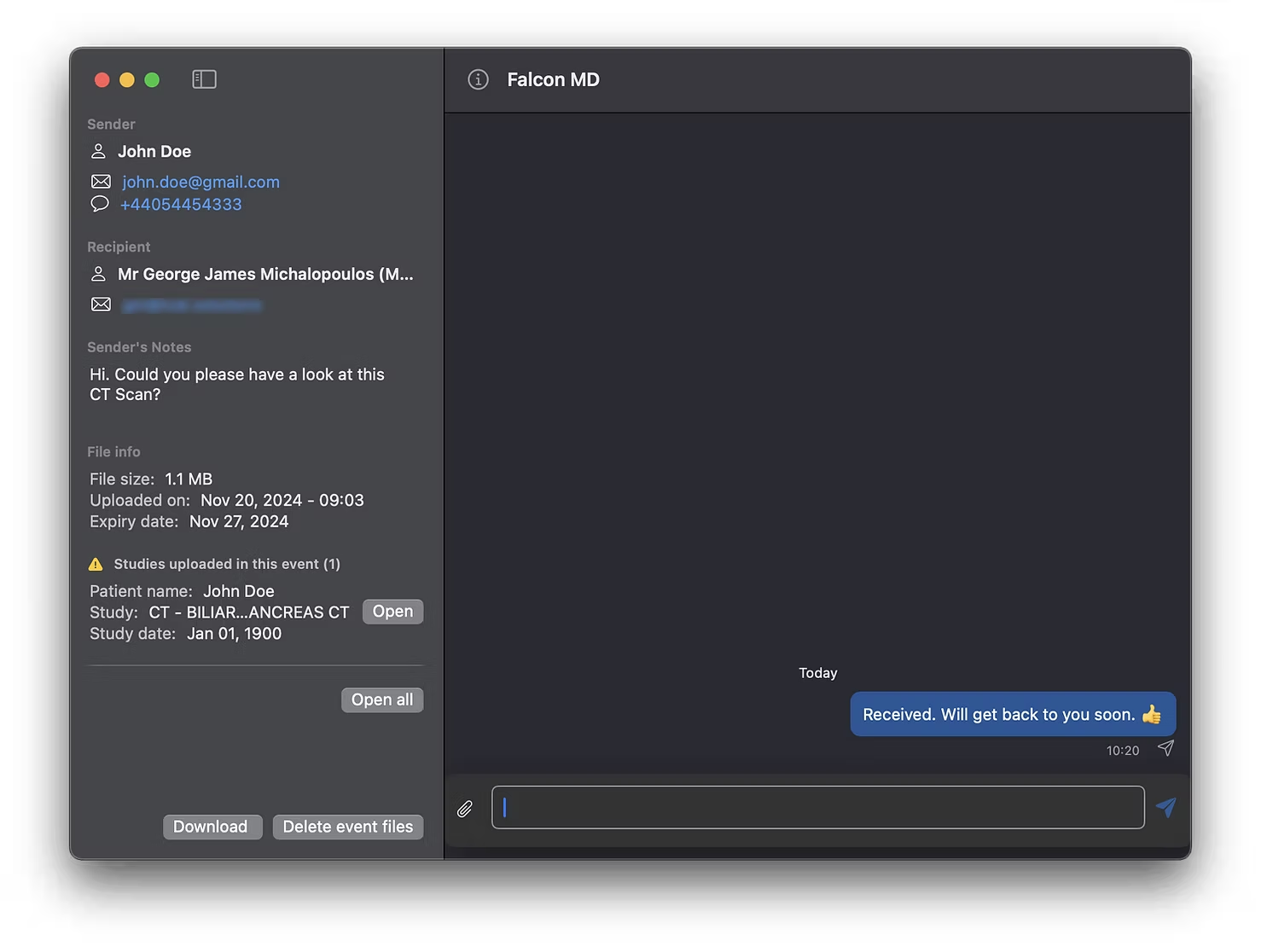

Messaging built into the workflow
Whether you're clarifying details, answering questions, or discussing findings, Falcon Link Messages keeps the conversation close to the study so your team stays aligned and in control.
Features
Keep communications focused with event-specific messaging that makes it easier to collaborate around each shared study.
End-to-end encryption and automatic file deletion help deliver the privacy and compliance healthcare teams expect.
Instant notifications for uploads, downloads, and messages keep teams informed when every second matters.

Falcon Link is localized in English, Ελληνικά, Magyar, Русский, Українська, עברית, and Italiano.
How It Works
Falcon Link is built around a direct send-and-receive workflow. Upload the study, send it to the right person, and let Falcon handle delivery, notifications, messaging, and cleanup.
Upload → Send → Receive → Open → Discuss → Done
Upload DICOM or other files directly from your browser, Falcon MD, or Falcon Mx. No setup, no configuration, no friction.
Deliver studies instantly using the recipient's email address or their Falcon Link address. Every user has a unique receiving endpoint, so there are no links to manage and no PACS complexity.
The study appears in the recipient's Falcon Link account right away. They're notified immediately by email and via push notifications on Falcon MD or Falcon Mx.
Download and open the study in Falcon MD or Falcon Mx on Mac, iPhone, or iPad. Fast, direct, and ready for clinical review.
Each study includes built-in messaging so teams can discuss findings, clarify details, and keep every conversation tied to the exam.
Real-time notifications keep everyone aligned when new studies arrive, downloads complete, and messages are exchanged.
Files are temporary by design. They are automatically removed after a set period, with full control for manual deletion at any time.
Tech Specs
Falcon Link is a secure medical file-sharing platform designed for healthcare professionals. It enables the transfer of medical imaging studies with full compliance to industry security and privacy standards. Studies shared through Falcon Link are imported directly into the Falcon MD viewer on Mac (FDA-cleared) or the Falcon Mx viewer on iPhone and iPad, ensuring seamless integration into your workflow. With event-specific messaging, real-time notifications, and streamlined downloads, Falcon Link Messages enhances communication and collaboration in clinical and diagnostic environments.
Falcon Link is designed to provide a secure and seamless medical file-sharing experience, fully integrated with the Falcon MD (macOS) and Falcon Mx (iOS and iPadOS) viewers.